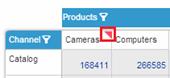
button to switch to Private or Public Mode.
Comments can be added either in Private Mode or in Public Mode. When you add comments in Private Mode, other users cannot see them. You can display your own private comments in Private Mode. Comments entered in Public Mode will be exposed to all workboard users. In Public Mode, you can view all the comments added to the workboard by other workboard users.
To add a comment:
1. Click the Switch button to switch to Private or Public Mode.
2. Drag the Add Comment  button from the Workboard Bar to the component, member caption or grid cell you want to annotate.
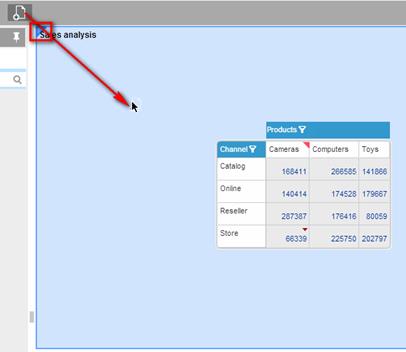
As you drag the icon, the element becomes highlighted and a blue triangle appears in its corner.
3. Release the icon anywhere on the highlighted area.
4. Type your comment in the box that opens.
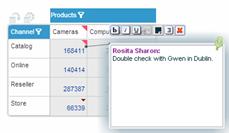
Use the edit buttons to format the text.
5. Click outside the note box to close the note.
A red indicator appears in the upper-right corner of the element.