button on the title bar to open the Navigation Designer dialog box.
You can edit the contents of a navigation component by clicking the Wizard button on the title bar to open the Navigation Designer dialog box.
To display a parameter definition:
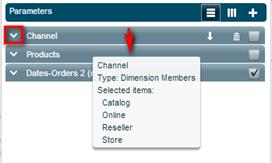
Click the down arrow on the parameter tab.
Pointing to a parameter tab displays a tooltip with the name of the parameter, its type and current value.
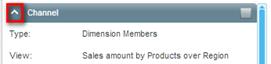
To hide the definition, click the up arrow on the tab.
To disable a parameter:
To disable a parameter definition so that it does not appear in the navigation component, clear the selection check box.
In the following example, the Channel parameter is disabled.
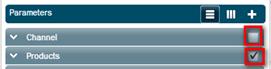
To reinstate a parameter definition, select its check box.
To delete a parameter definition:
Click the Delete button on the parameter tab.

To move a parameter up or down:
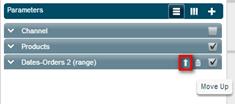
Click the Move Up or Move Down arrow on the parameter tab.