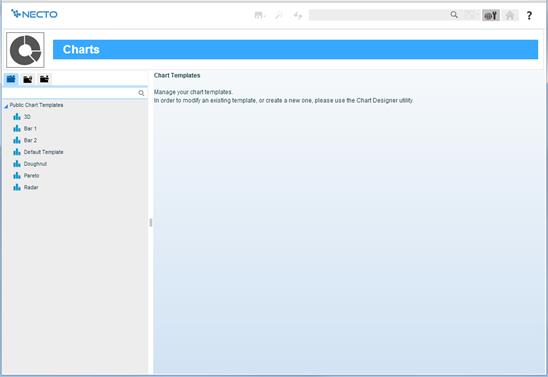
The Charts option from the Control Panel opens the Charts page where you can view the chart templates defined via the Chart Designer, organize them in folders, and perform various management functions.
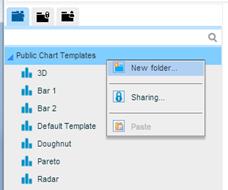
Chart templates are organized in a tree structure (like files and folders). Using the New Folder option, you can create subfolders under the root.
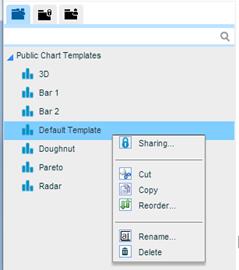
You can use the Cut, Copy, Paste, Reorder, Rename and Delete options from the options menu in the Chart Templates Pane in the same way as for folders and workboards in the Workboards Pane.