You can open a workboard using one of the following methods.
Direct access via quick links:
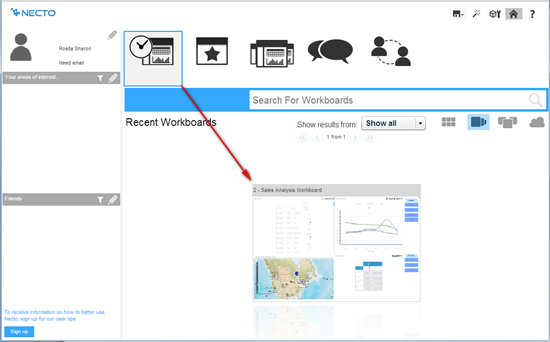
1. Click one of the quick links at the top of the Necto Home page to display a list of workboards. The workboards appear in thumbnail format, in the lower part of the page.
For example, to display the workboards you have recently visited, click Recent Workboards.
2. Click on a workboard thumbnail to bring it to the front and double-click on it in order to navigate to the live workboard.
Access via the Workboards Pane:
1. Click the Necto Home  button on the Application Bar. The workboard page opens.
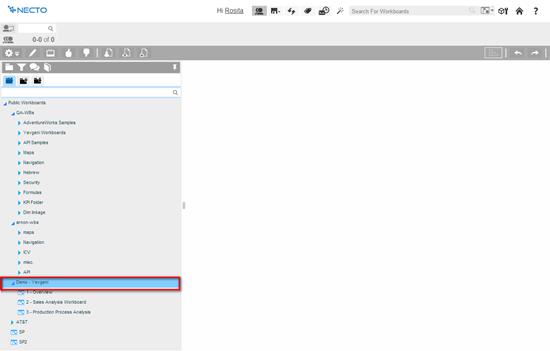
2. The Workboards Pane lists the public workboards. To open a workboard from your private folder or from another user’s folder, navigate to those tabs. Expand the folders to expose the workboards and double-click to open the workboard you want.