 on the Application Bar opens the Necto Control Panel for accessing the Data Sources and Models options.
Clicking on the Application Bar opens the Necto Control Panel for accessing the Data Sources and Models options.
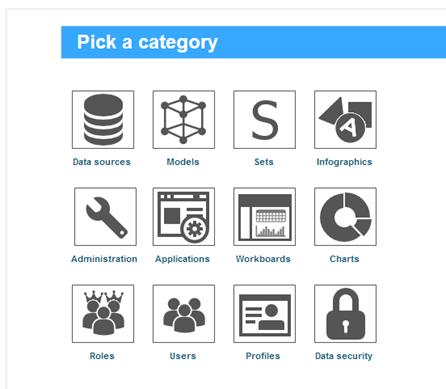
Clicking the Control Panel  button on the Application Bar opens the Necto Control Panel for users with administrative credentials where they can define and manage users, roles, data sources, models, workboards, and system settings.
Clicking or again returns you to the page from which you activated the Control Panel.