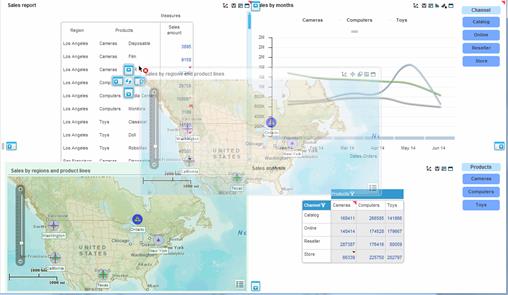
You can reposition a component on the workboard in the same way as you add a new component: Start dragging the component by its title bar to the new position. As you drag it, drop target indicators appear showing you where you can drop the component.
When you release the mouse button on the target indicator the component appears in the new position. Necto resizes other components to accommodate it.
Clicking Undo  cancels the repositioning and returns the component to its original position.