 on the Workboard Bar shows all the comments added to the current workboard. In Private Mode, it displays only your private comments. In Public Mode, it shows all the comments added to the workboard by other workboard users.
The Show/Hide Comments button on the Workboard Bar shows all the comments added to the current workboard. In Private Mode, it displays only your private comments. In Public Mode, it shows all the comments added to the workboard by other workboard users.
Click the Switch  button to switch to Private or Public Mode. Then, click .
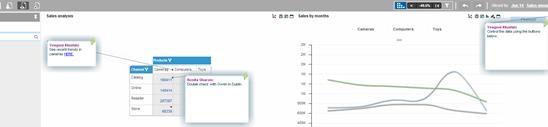
Clicking the button again hides the comments.