button of the view component. In this mode, the Task Pane contains view-specific analytics and customization options.
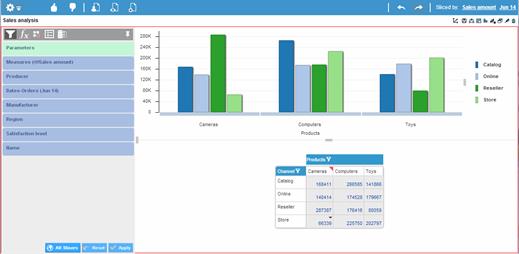
In order to work with view-specific slicers, with formulas and exceptions, and customize the properties of the view elements and the data, you must work with a view component in View Maximized Mode.
To switch to View Maximized Mode, click the Maximize button of the view component. In this mode, the Task Pane contains view-specific analytics and customization options.