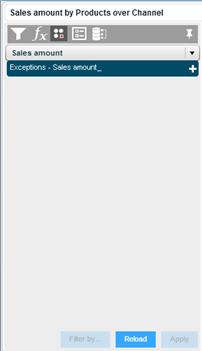
the view component. Then, click the Exceptions
  button on the View Task Pane toolbar.
Exception is an analytics tool that highlights grid data based on a condition such as “highlight all the cells with values lower than 50,000”, enabling you to view at a glance the specified values of interest. Highlighting is applied by a change in font style and font color, or by a marker.
An exception is defined for a certain measure. For example, an exception defined for Sales Amount will not highlight Gross Profit values.
The Exceptions Pane is used to define new exceptions, and edit or delete existing definitions.
To display the Exceptions Pane:
Maximize the view component. Then, click the Exceptions button on the View Task Pane toolbar.