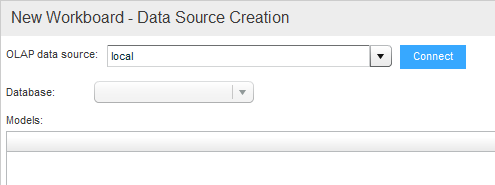
When you choose MSOLAP as the data source, the next step of the wizard displays as illustrated in the following figure.
To choose the data source:
1. In the OLAP Data Source dropdown, choose an OLAP data source and click OK. Click Connect.
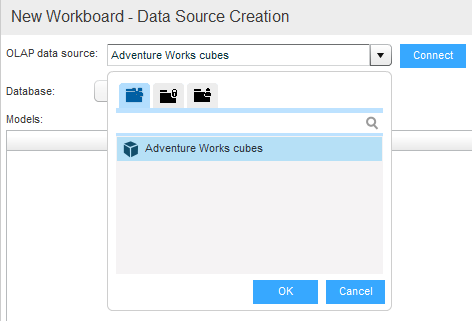
2. In the Database dropdown, choose a database.
The models will be listed.

3. Select a model.