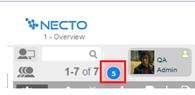
When another user starts a new discussion with you, a notification icon will appear on the left side of the Social Ribbon on your workboard.
In the following example, there are five discussion notifications:
Click on the notification icon to see the list of the new discussions you have received.
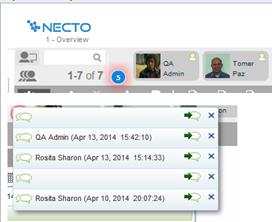
Click on a sender to see the message text and other details.
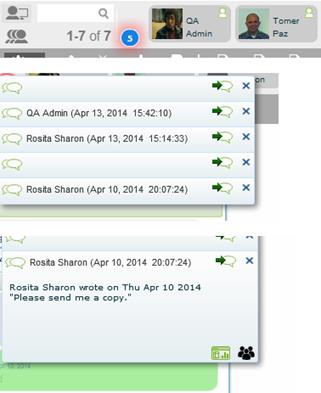
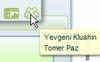
Pointing to the icons on the bottom-right corner shows the referred workboard, and the users participating in that discussion.
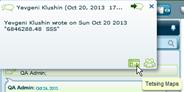
Clicking the close  button removes the notification.
Clicking the Open Discussion  arrow switches you to the workboard referred in the discussion, and opens the discussion in the Discussions Pane of that workboard. At this stage you can see a snapshot of the sender’s data.