 icon on the Toolbox to the center of the workboard contents area. As you drag it, a drop target indicator appears showing you where you should release the mouse button.
To open a view component container:
1. Drag the View Component icon on the Toolbox to the center of the workboard contents area. As you drag it, a drop target indicator appears showing you where you should release the mouse button.
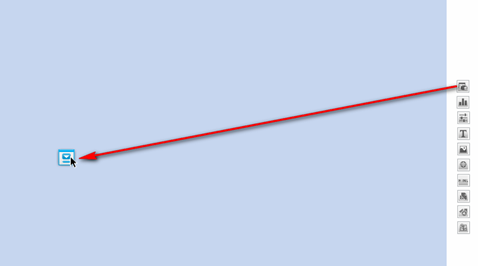
2. Release the mouse button at the center of the indicator. While doing this, the area that the component will cover is shown in a darker shade of blue. The first view covers the entire area.
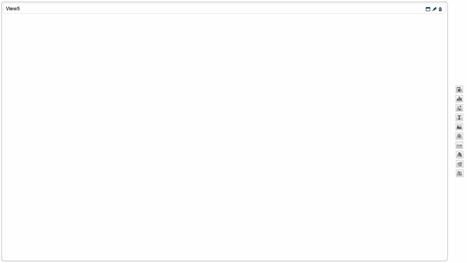
The View Wizard opens for placing an existing view or creating a new view.